Dec 19, 2025 • CRAFT
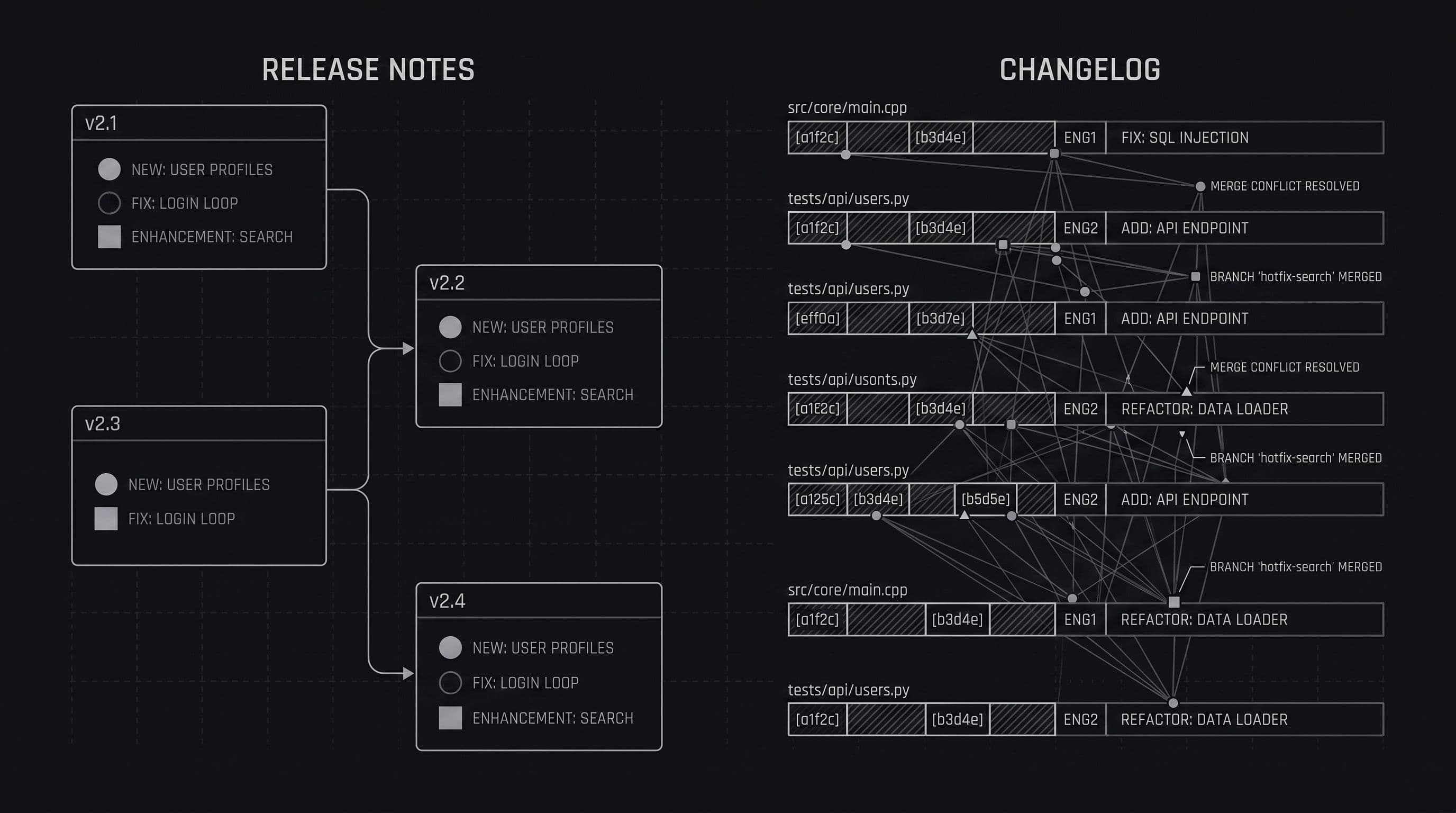
If you’ve ever wondered whether you should be writing release notes or maintaining a changelog, you’re not alone. Many teams use the terms interchangeably, but they actually serve different purposes and audiences.
Understanding the difference helps you communicate product updates more clearly and avoid confusing your users.
Let’s break it down.
Release notes are user-facing summaries of what’s new, improved, or fixed in a product release.
They focus on:
Release notes are written for customers, stakeholders, and non-technical audiences. They provide context, highlight value, and help users understand how to take advantage of new features.
Common characteristics of release notes
Example release note
New dashboard filters You can now filter your dashboard by date range and status, making it easier to find the data you need faster.
A changelog is a chronological, technical record of changes made to a product.
It’s typically used by:
Changelogs focus on accuracy and completeness, not storytelling. They document what changed without much explanation of why.
Common characteristics of changelogs
Example changelog entry
v1.4.2 - Fixed race condition in auth middleware - Updated dependency versions - Improved cache invalidation logic
Use release notes when you want to:
If your product has users, you should be publishing release notes. Even small updates benefit from clear communication.
Use a changelog when you need to:
Many teams keep changelogs private or semi-public, while release notes are fully public.
In most cases, yes.
The best teams use:
The mistake many teams make is publishing raw changelogs and calling them release notes. This overwhelms users and hides the changes that actually matter.
Instead of choosing one or the other, separate concerns:
Tools like Onset make this easier by giving teams a dedicated place to publish clean, user-friendly release notes while still supporting structured change tracking behind the scenes.
Release notes and changelogs serve different purposes, audiences, and outcomes.
If you want users to understand and adopt what you ship, focus on release notes.
If you need technical traceability, maintain a changelog.
Knowing the difference and using both correctly leads to better communication, happier users, and fewer support headaches.
Want to see Onset in action? Try it for free today. No credit card required.
Get startedWe use cookies to understand how you use our site and to improve your experience. Analytics cookies are only set once you accept. See our Privacy Policy for details.