Mar 11, 2026 • CRAFT
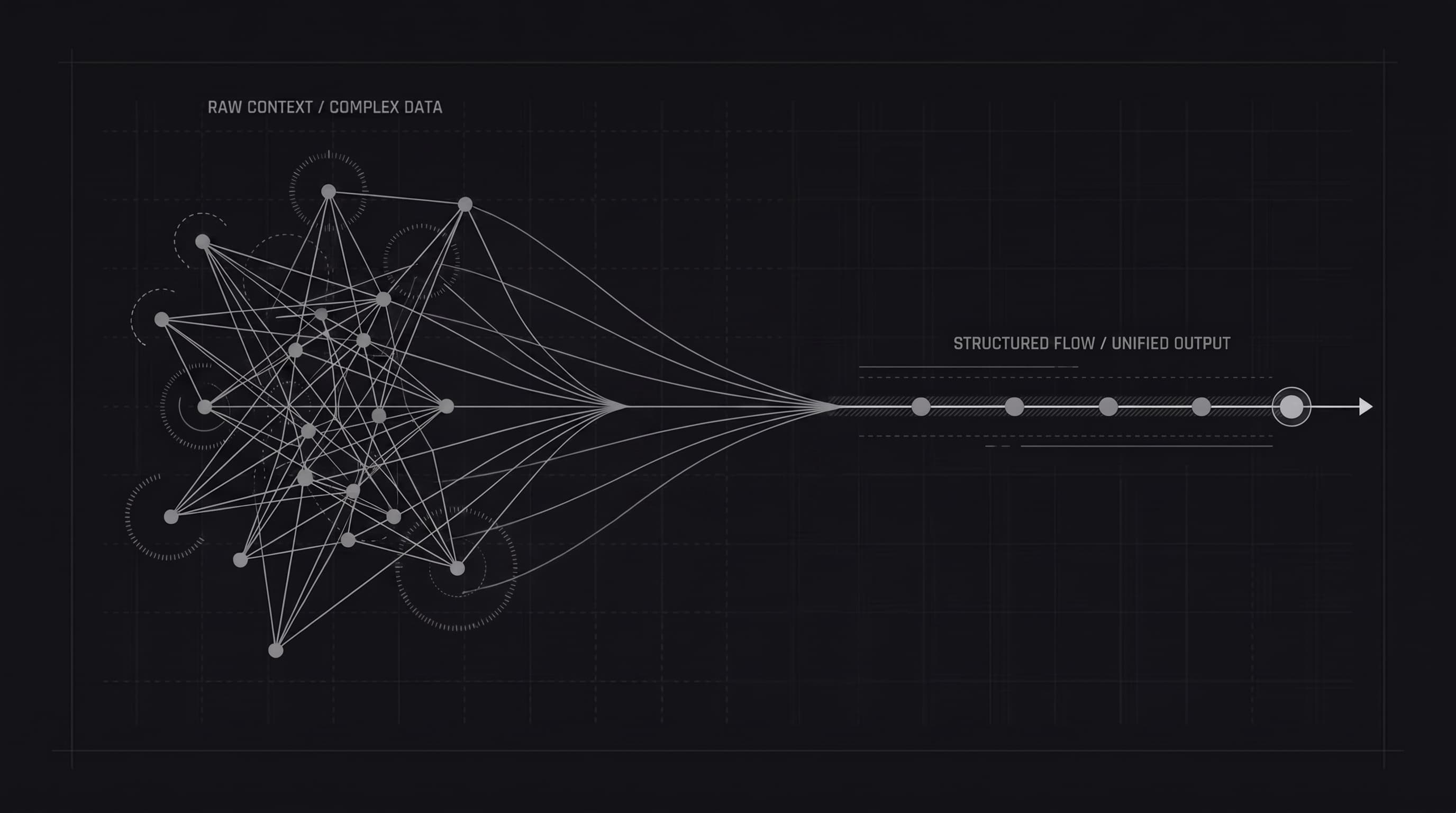
Most product changes are written internally, not for customers.
They start as GitHub pull requests, Linear issues, Jira tickets, Slack messages, or rough notes from the team. That is useful for building the product, but it is rarely the right format for communicating updates to customers.
Internal changes are usually technical, fragmented, and missing context. Customers do not want a list of implementation details. They want to know what changed, why it matters, and how it helps them.
That gap is where many release notes fall apart.
A typical internal update might look like this:
This makes sense to the team because everyone already knows the product, the codebase, and the ongoing work. But to a customer, this kind of update creates friction.
It leaves too many questions unanswered:
Release notes work best when they remove that friction.
A good release note translates technical work into customer value.
Instead of this:
Refactor subscriber import flow
Say this:
Importing subscribers is now more reliable and easier to manage, with improvements that reduce failed imports and make large uploads smoother.
Instead of this:
Add support for filtering by status
Say this:
You can now filter items by status, making it easier to find the updates that matter most.
The second version is not less accurate. It is simply written for the reader.
That is the job of release notes.
A useful way to translate internal updates into customer-facing release notes is to use this structure:
What changed
Start with the visible change.
Why it matters
Explain the value to the customer.
Optional context
Add extra detail only if it helps with clarity.
Here is a simple example.
Internal note:
improve widget loading performance
Customer-facing release note:
The widget now loads faster, helping your visitors see the latest updates with less delay.
Another example:
Internal note:
support milestones in AI generation flow
Customer-facing release note:
You can now use milestones as part of the release note generation flow, making it easier to turn planned work into polished updates.
When turning internal work into release notes, there are a few things worth cutting.
Customers usually do not need to know that you changed a query, renamed a service, or refactored a component.
Words that make sense inside your company may not make sense outside it.
Phrases like “various improvements” or “minor fixes” are easy to write but not very useful.
If everything is presented with equal weight, readers do not know what matters.
Not every release note needs to be polished marketing copy. The goal is clarity, not hype.
Keep:
The best release notes feel easy to read. They do not feel written by committee.
Here is how a rough set of internal updates can become a cleaner public release note.
Internal version:
Customer-facing version:
You can now generate release notes using GitHub pull requests, Linear tasks, and milestones.
Select the work you want to include, and Onset will turn it into a structured draft you can review and edit.
We generate release notes from the content associated with those items, such as titles and descriptions. We do not inspect your source code.
We also fixed an editor loading issue to make the writing experience smoother.
A lot of teams think of release notes as a final administrative step after shipping. In reality, they are part of how customers experience progress.
If you ship often but communicate poorly, users may not notice momentum.
If you communicate clearly, even small improvements can reinforce trust and help customers discover value over time.
Good release notes do not just document what changed. They help customers feel that the product is actively improving.
Your team already has the raw material for release notes. The hard part is not finding updates. It is translating them into language customers understand.
Start with the internal change, remove the implementation noise, and rewrite it around user value.
That is usually the difference between release notes people ignore and release notes people actually read.
Want to see Onset in action? Try it for free today. No credit card required.
Get startedWe use cookies to understand how you use our site and to improve your experience. Analytics cookies are only set once you accept. See our Privacy Policy for details.